
Kasi Lifestyle 3D taxi guide: ranks, passengers and money
Updated 5 October 2026 · By KSL Guide Editors
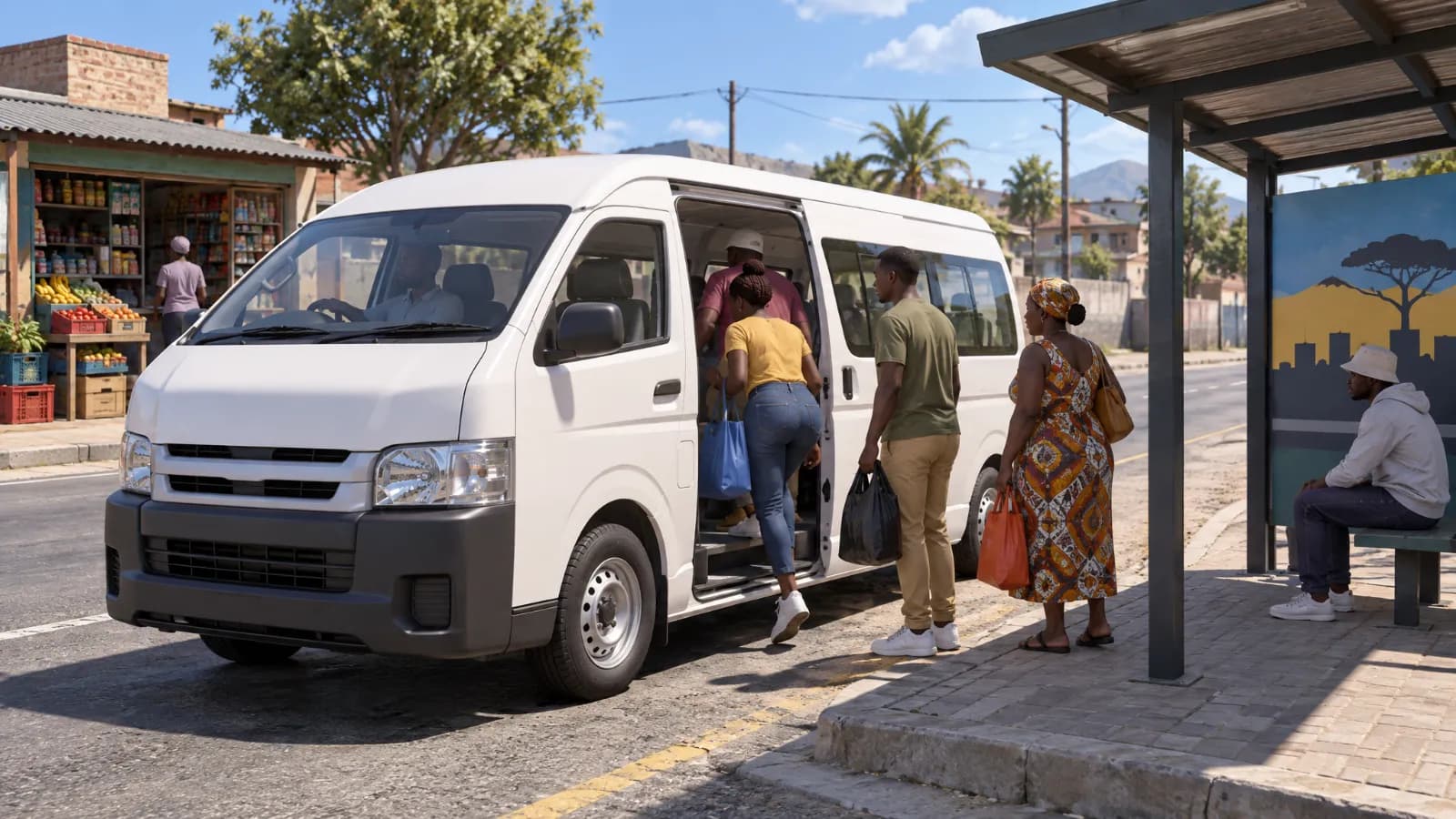
The taxi job is the heart of Kasi Lifestyle 3D. You load passengers at the rank, drop each one at their stop, and every trip pays in-game rands. You spend that money in the Garage on vehicles and mods. In multiplayer you're racing other drivers for the same passengers, so speed matters.
How a taxi run works
- Get to the rank. Official screenshots show an MTN Rank, captioned "straight to the rank to get some passengers".
- Load up. Each passenger has their own destination, and the faster you get them there, the better.
- Drop each passenger off. Finished trips add rands to the balance at the top of your screen (the official v2.51 footage shows it, for example R2,410.99).
- Upgrade. Uptodown's review of the v1.2 build describes unlocking new vans so you can carry more people and earn more per run.
In online mode, the same review says, you have to pay even more attention to each passenger and get them there fast to score points, because other drivers are working the same map. Joining a room is covered in the multiplayer guide.
What we can't tell you yet
Setting up your Quantum
Looks are half the fun. In v2.51 the Garage lets you build a proper kasi taxi:
- Back-window name: type any text and pick a font, just like real taxis.
- Roof box, bike rack and bullbars for the long-distance look.
- Wheels, mirrors, grilles and number plates.
- Inside: seats, carpet, dashboard and dash-top speakers.
Full details, plus what it officially costs to start modding, are on the cars page.
The in-game phone: music, suspension and lights
Since v2.51 the taxi comes with an in-game phone. In the official music video it has:
- A music player for songs on your phone, with play/pause, volume and a 3D sound option. Amapiano at the rank, as it should be.
- Air suspension with separate front and back up/down controls.
- A lights app for interior disco lighting.
There are also door buttons for the left, right, back and sliding doors. Even the first 2024 beta let you open the doors and boot to show off the speakers, with passengers dancing to your music.
Driving tips from official gameplay mishaps
- Raise the suspension before speed bumps. One official screenshot is captioned "I got stuck with my stance cab on a random road bumper". Townships have plenty of speed bumps (the v2.1 video calls them "regular speedbumps"), so lift the front and back first.
- Take steep ramps with speed. Another caption: "My cab started to stall while trying to drive up to the top building." A loaded Quantum doesn't like steep climbs.
- Use the tools menu. The v2.1 interior view has Lights, Wipers and Window toggles, handy for night driving.
- Switch camera with the camera button on the HUD. The first-person cab view is the most realistic, but the chase cam makes it easier to judge corners.
Earning faster: grinding vs R Unlimited
Playing trips is the free way. The game also has an R Unlimited button. Tap it and it explains how to buy unlimited in-game money by sending a voucher (OTT, 1ForYou, Capitec, FNB, Vodacom and others) through WhatsApp, SMS or Moya.
If you go that route, use only the contact details shown inside your own copy of the game. Scammers love games with voucher payments, and an official video even shows a Facebook scammer being caught. We don't list the numbers here because they could change and copies could be faked.
There are also official "free coins" videos. We haven't tested those methods, so we can't vouch for them.
FAQ
+How do you make money in Kasi Lifestyle 3D?
Drive passengers to their stops in your taxi. Each finished trip pays in-game rands, which you spend in the Garage on vehicles and mods. There's also an optional paid 'R Unlimited' pack.
+Is there a taxi rank in Kasi Lifestyle 3D?
Yes. Official screenshots show an 'MTN Rank' where you go to pick up passengers.
+How do I get R Unlimited in Kasi Lifestyle 3D?
Tap 'R Unlimited' in the game. It tells you how to send a voucher (OTT, 1ForYou, Capitec, FNB, Vodacom and others) by WhatsApp, SMS or Moya. Only use the contact details shown inside your own game, never numbers posted by other people.
+Why does my taxi get stuck on speed bumps?
Usually because it's lowered too far. If you've dropped it with the air suspension app on the in-game phone, raise the front and back before township speed bumps.